Photo: Unsplash
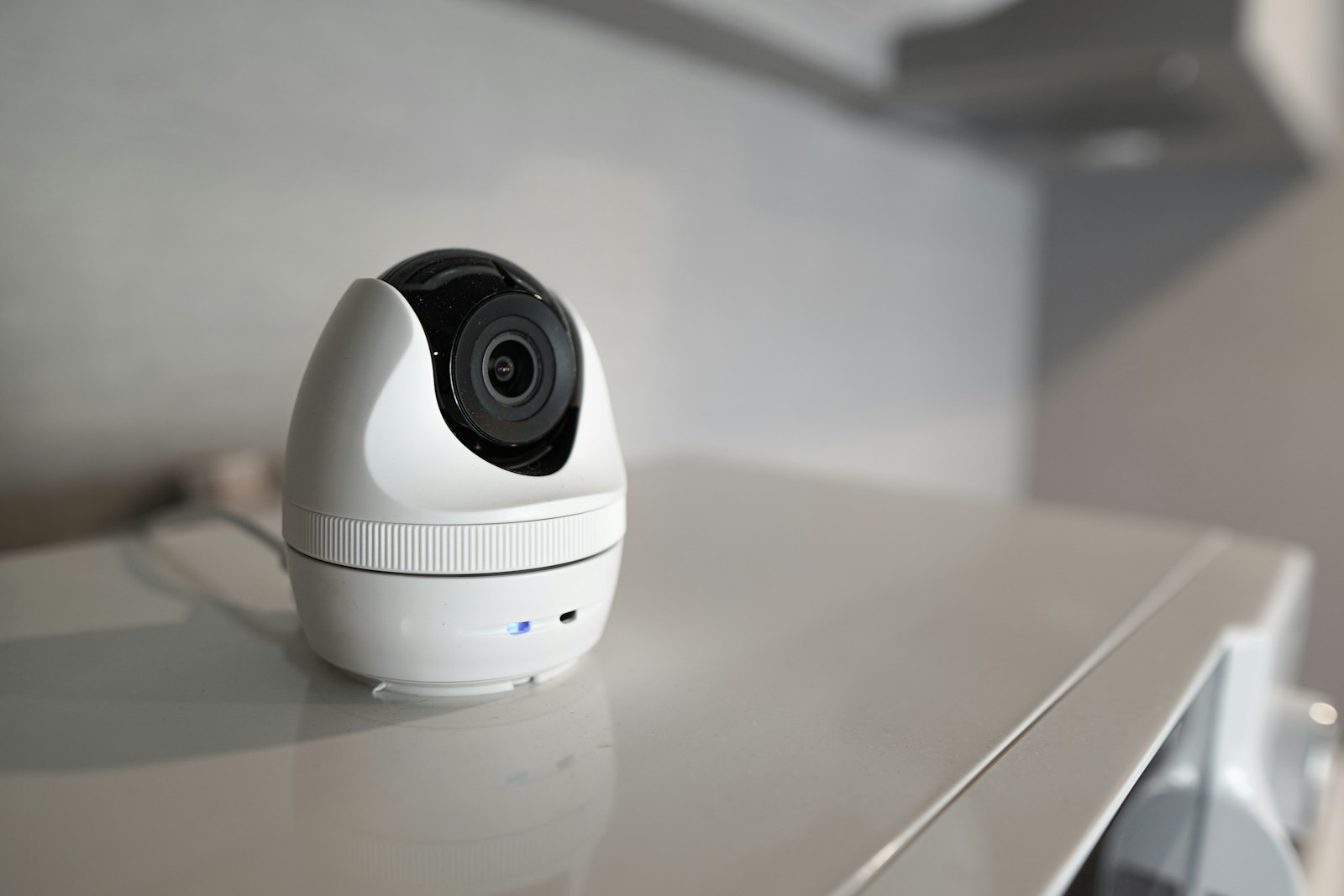
Baby monitors range from a simple $20 audio-only unit to a $200+ smart camera with night vision, two-way audio, and phone app integration. The right pick depends less on budget and more on your home's layout and how much reassurance you actually want between checks. It's worth remembering that a monitor is a convenience tool, not a substitute for the safe sleep basics that actually reduce risk, and choosing between the many available features is really about your own peace of mind and daily routine rather than a safety requirement in itself.
Monitor types compared
| Type | Best for | Typical price range |
|---|---|---|
| Audio-only | Small homes/apartments, budget-conscious families | $20–$50 |
| Dedicated video (own screen, no WiFi) | Households wanting to avoid internet-connected cameras entirely | $40–$120 |
| WiFi/smart camera (phone app) | Checking in remotely, multi-caregiver households, larger homes | $25–$150 |
| Movement/breathing sensor add-on | Extra peace of mind alongside a standard monitor, not a replacement for one | $50–$200 |
What to look for
- Night vision quality — infrared clarity varies a lot between budget and premium models.
- Range and wall penetration, especially in larger or multi-story homes.
- Battery life on the parent unit, if it's not plugged in at all times.
- Two-way audio, if you want to soothe your baby's voice without walking in.
- Temperature and humidity readouts, a small but genuinely useful feature on many models.
WiFi monitors and security: what actually matters
A WiFi-connected camera is only as secure as its setup. Always change the default password immediately, keep the camera's firmware updated, and enable two-factor authentication if the manufacturer offers it — these three steps address the overwhelming majority of real-world baby monitor hacking incidents, which almost always come down to reused or default credentials rather than a flaw in the camera itself.
Matching a monitor to your home's layout
The single biggest factor in whether a monitor works well day to day isn't the brand or feature list — it's whether it's suited to your specific home. In a small apartment or single-story home, a basic audio-only monitor or a budget video model usually covers the distance easily, and spending extra for long-range or multi-camera features is often unnecessary. In a larger or multi-story house, range and wall penetration become genuinely important; a monitor rated for a certain distance in open air can perform noticeably worse through two floors and several walls, so it's worth checking real user reports on range in a similar home layout rather than trusting the marketed number alone. Households with more than one child, or plans for a second baby, may want to consider a system that supports adding a second camera later without replacing the whole unit — a detail easy to overlook when only shopping for one baby's needs right now.
Battery life and power considerations
Many parents underestimate how much a monitor's power setup affects daily use until they're living with it. A parent unit that needs charging every night adds one more thing to remember before bed, and a dead battery at 2am defeats the whole purpose of having a monitor in the first place. Look at both the stated battery life on a full charge and, more importantly, real user reviews about how that battery holds up after a year of nightly use, since batteries in any electronic device degrade over time. Some parents prefer keeping the parent unit plugged in continuously rather than relying on battery power at all, which trades a bit of portability around the house for one less thing to think about.
How long you'll actually use it
Most families use a baby monitor far longer than they initially expect — well past the newborn stage and often into the toddler and early preschool years, especially for checking on nap time or an early riser without opening a creaky door. This makes it worth thinking about a monitor's features for an older baby, not just a newborn: a toddler who climbs out of a crib benefits more from clear video and two-way audio than from a newborn-focused feature like a breathing sensor. Some parents transition to a simpler solution once a child moves to a big-kid bed and monitoring shifts from safety-focused to more of a "check if they're actually asleep" convenience — worth factoring into whether a premium, feature-heavy monitor is worth the investment versus a mid-range option that covers the basics well.
Understanding breathing and movement sensors
Sensor add-ons come in two broad forms: a pad placed under the crib mattress that detects motion through vibration, and a wearable sock or clip that tracks heart rate and oxygen levels directly on the baby. Both types alert a connected app if readings fall outside a set range, though false alarms are relatively common with either style, especially as a baby moves around more with age and starts kicking off a sensor pad or wriggling a wearable clip loose during otherwise completely normal, healthy sleep.
Wearable and under-mattress movement sensors have become increasingly popular as an add-on to a standard audio or video monitor, promising alerts if a baby stops moving or breathing normally. It's worth being clear-eyed about what these devices can and can't do: the American Academy of Pediatrics has noted that consumer breathing and heart-rate monitors are not medical devices, are not proven to reduce the risk of sudden infant death syndrome (SIDS), and shouldn't replace safe sleep practices such as placing a baby on their back on a firm, flat surface free of loose bedding. These sensors can offer real peace of mind for some parents, and that's a legitimate reason to consider one, but it's worth choosing one with that understanding rather than as a substitute for safe sleep guidance from the CDC or your pediatrician.
Setting up a monitor for the best results
- Position the camera or unit at least three feet from the crib and its cords well out of reach, since cords near a crib are a documented strangulation risk.
- Angle the camera to show the whole crib rather than a tight zoom on the baby's face, so you can see their overall position and surroundings.
- Test the monitor's range and audio clarity from the specific rooms you'll actually be in, not just standing right next to it.
- Charge the parent unit fully before the first night, and note how it behaves as the battery runs low so a dying battery doesn't surprise you overnight.
- Re-test the setup after any furniture rearrangement, since a couch moved in front of the receiver can meaningfully affect audio or signal range.
Video quality and low-light performance
Camera specs on a product page can be genuinely misleading when it comes to actual night-time image quality, since a nursery is almost always kept dark for sleep. Infrared night vision quality varies noticeably between budget and higher-end models, and a monitor with a grainy, low-contrast night image is far less useful for checking on a sleeping baby than the resolution number alone would suggest. Looking at real customer photos and video from a monitor's actual night mode, rather than the polished daytime marketing images most listings lead with, gives a much more honest sense of what you'll actually see at 3am when it matters most.
Multi-baby and multi-room households
Families with more than one child sleeping in separate rooms, or twins in the same room needing individual camera angles, have a few extra things worth considering before choosing a system. Look specifically at how many cameras a given parent unit or app supports, and whether adding a second or third camera later requires buying a whole new system or simply an additional compatible camera. Split-screen or quick-switch viewing between cameras on the same app avoids the hassle of juggling multiple separate monitor units on a nightstand, which becomes cumbersome fast once more than one child needs monitoring at the same time.
Common monitor mistakes to avoid
- Mounting the camera too close to the crib. Cords and hardware need to stay well out of a baby's reach at all times, even as they grow and can reach further than expected.
- Skipping the password change on a WiFi camera. This single step prevents the overwhelming majority of real-world hacking incidents.
- Relying entirely on a movement sensor in place of safe sleep practices. These devices are a supplement, not a replacement, for a firm, flat sleep surface free of loose bedding.
- Buying based on range specs alone. Real-world range through walls and floors is often meaningfully lower than the number printed on the box.
Our picks
Every monitor below was checked against real order and rating data — not picked from the top of a search page — so each genuinely holds a 98%+ rating from a meaningful number of real buyers.
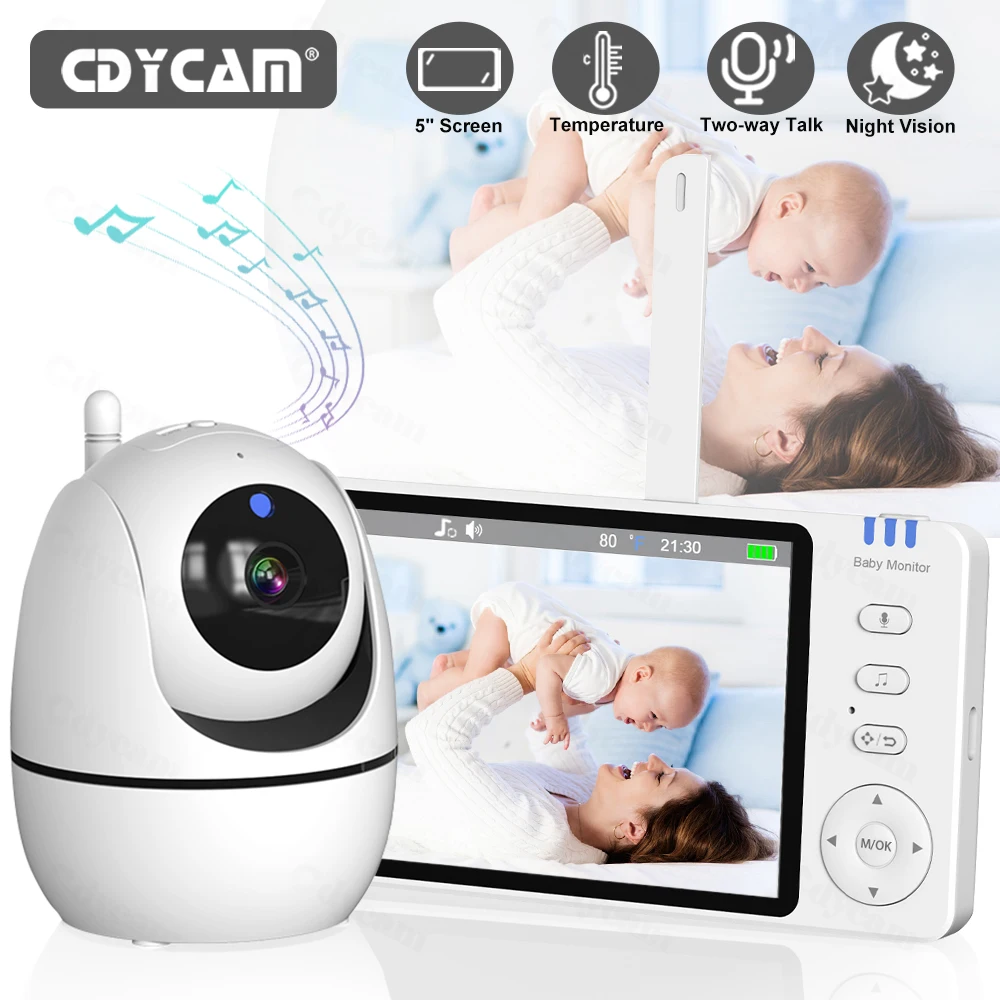
Video Baby Monitor 5'' Night Vision Security PTZ Cam 2 Way Audio Feeding Re…
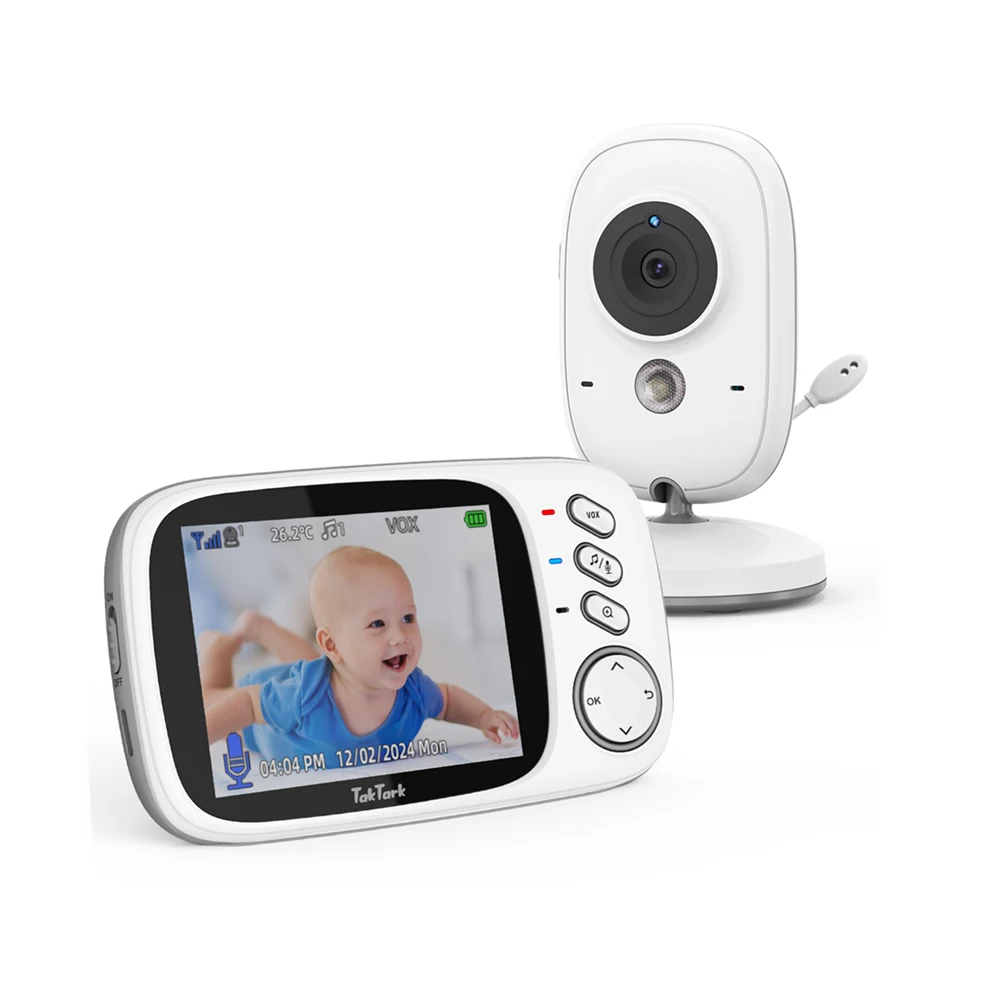
TakTark 3.2 Inch Wireless Video Baby Monitor Auto Night Vision Two-Way Inte…

IMOU Ranger Mini 3/5MP IP Camera 360° Human Detection Baby Monitor Home Sec…
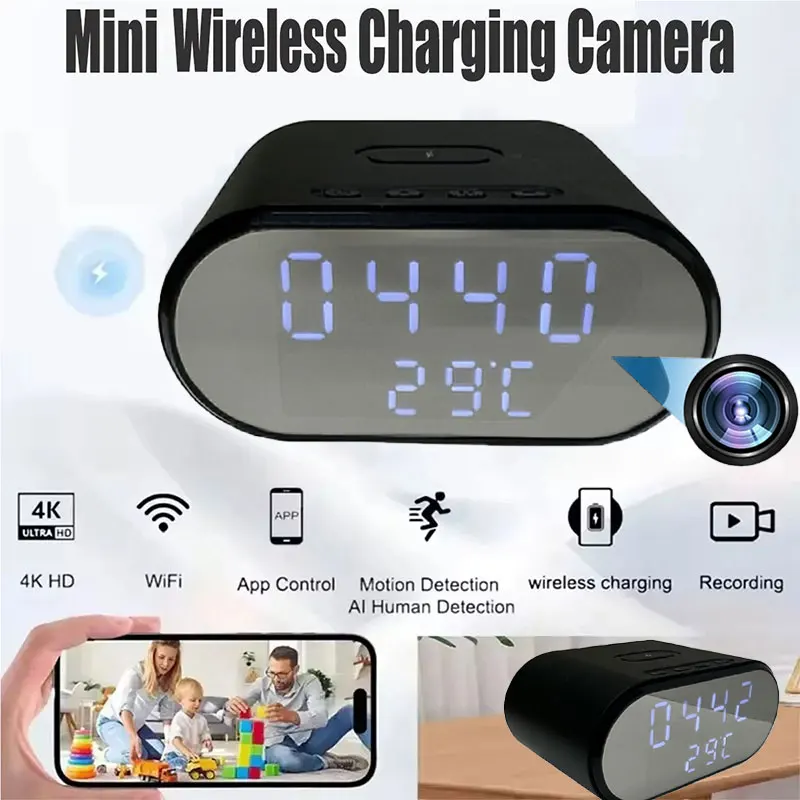
4K HD WiFi6 Camera Wireless Charger Mini Smart Alarm Clock Cameras Remote V…

5" 720P HD IPS Screen Video Baby Monitor Pan Tilt 4X Zoom Camera Babysitter…
Affiliate links — we may earn a commission at no extra cost to you. Learn more.
Frequently asked questions
Do I really need a video monitor, or is audio enough?
Audio-only is genuinely enough for many families, especially in smaller homes where you can hear most sounds anyway. Video adds real value in larger homes, for checking sleep position, or for caregivers who find visual reassurance more calming than sound alone.
Are WiFi baby monitors safe from hacking?
The camera hardware itself is rarely the weak point — nearly all real-world incidents trace back to a reused or default password. Changing the default password, keeping firmware updated, and enabling two-factor authentication when available addresses the actual risk.
What monitor range do I actually need?
Measure the real distance and count the walls between the nursery and where you’ll typically be, then add a safety margin — published range specs are usually measured in open air and drop significantly indoors, especially through multiple walls or floors.
Do movement or breathing sensors actually prevent SIDS?
No consumer breathing or movement monitor has been proven to reduce SIDS risk, and none should be treated as a medical device or a replacement for safe sleep practices such as back sleeping on a firm, flat surface. Some parents still find the added reassurance worthwhile, which is a legitimate personal choice, as long as it's understood as a supplement rather than a proven safety measure.
Should I get a monitor with a temperature and humidity display?
It's a genuinely useful convenience feature for keeping a nursery in a comfortable range without a separate thermometer, though it's not a safety-critical feature the way night vision or a secure WiFi connection is. Treat it as a nice-to-have rather than a deciding factor between two otherwise similar monitors.
How do I know if my monitor has been compromised?
Warning signs include the camera moving on its own without you controlling it, unfamiliar sounds like static or voices you didn't generate, or the indicator light behaving unexpectedly. If you notice any of these, change the password immediately, update the firmware, and check the manufacturer's app for a log of recent access, which many apps display for exactly this purpose.